
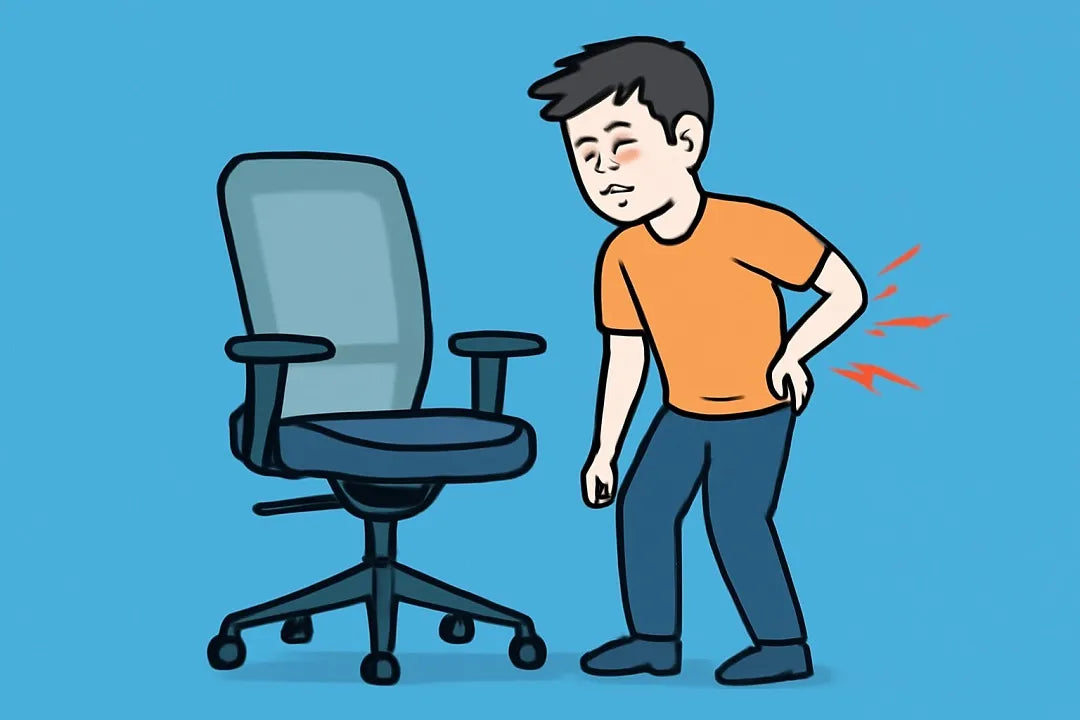
If you or your employees spend hours behind a desk, you already know the struggle: that dull, constant back pain that creeps in after long meetings or remote-work sessions. It’s not just discomfort — it’s lost focus, lower morale, and declining efficiency.
According to global workplace studies, over 60% of office workers suffer from chronic back pain, often caused by poor seating posture or chairs that don’t support the natural curve of the spine. That’s why choosing the right ergonomic office chair isn’t a luxury — it’s an investment in productivity and long-term health.
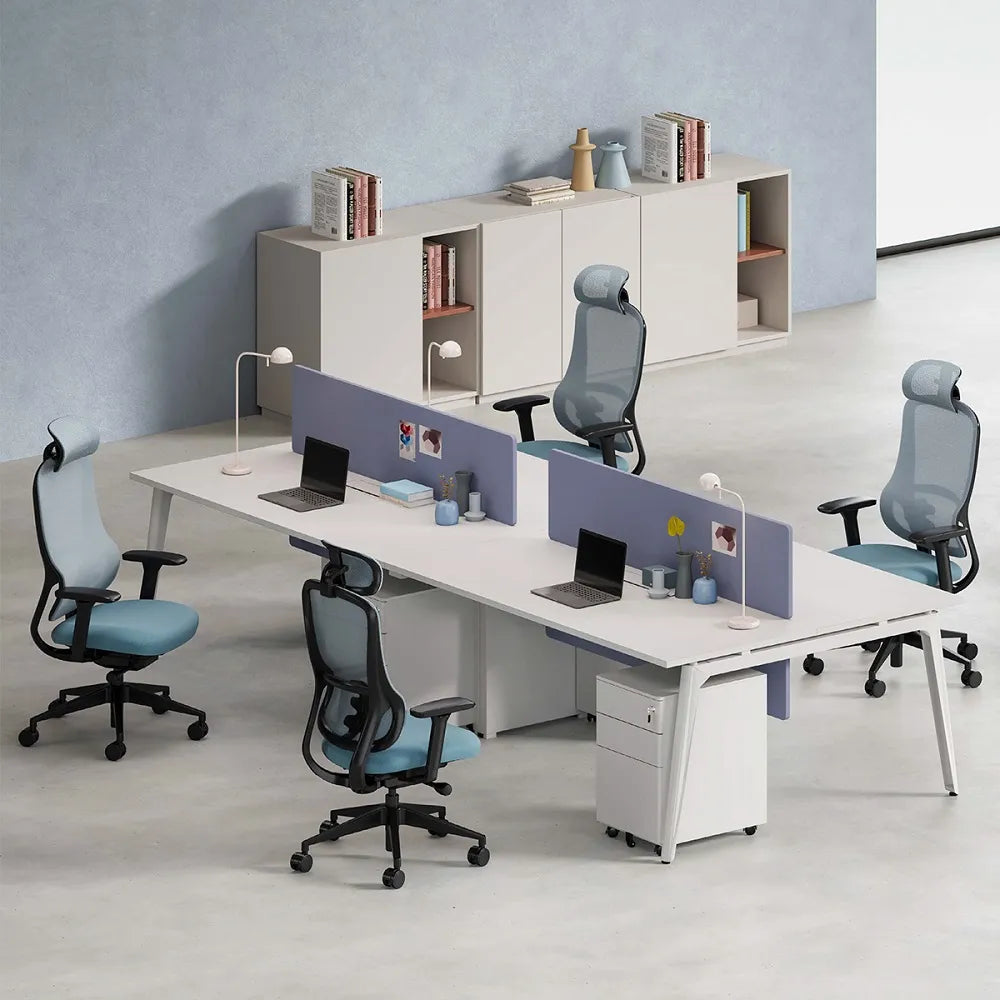
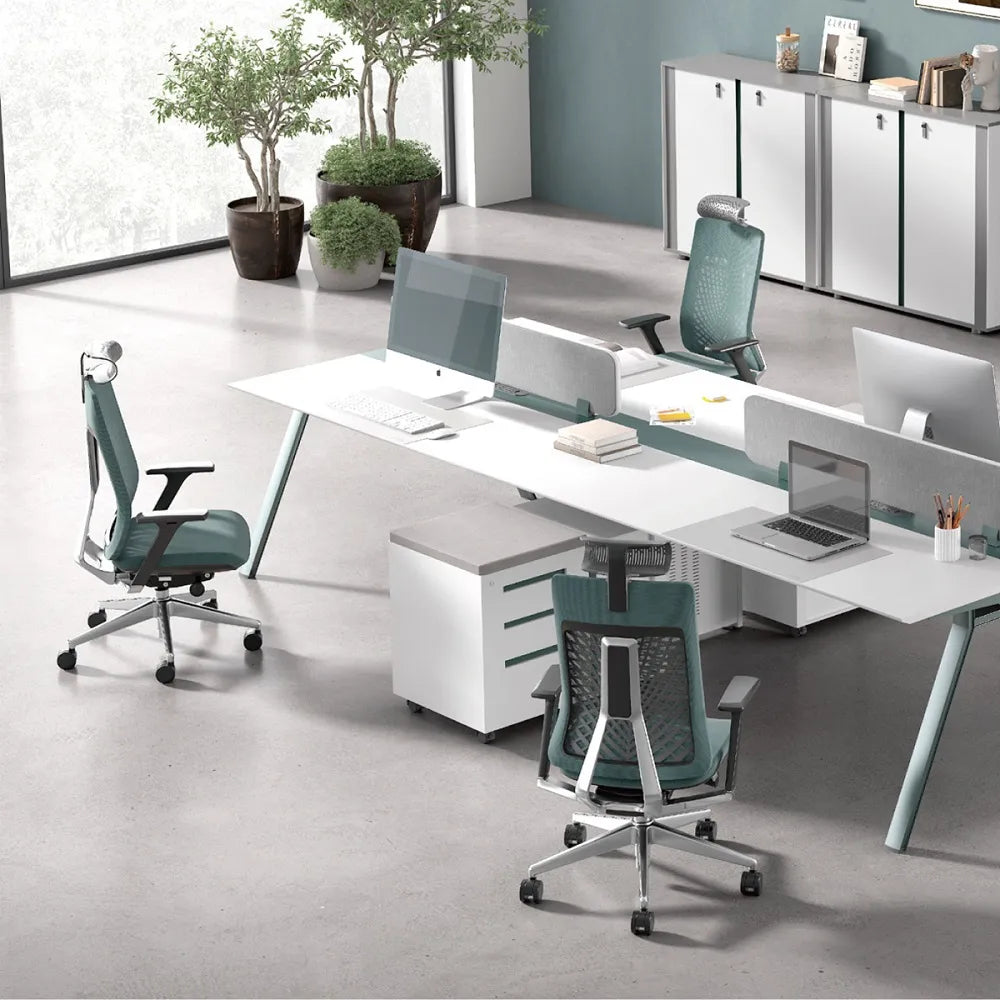
In this guide, we’ve rounded up the 13 best office chairs that truly solve back pain, tested and trusted by professionals, enterprises, and designers worldwide. Whether you’re a wholesale distributor, corporate buyer, or interior design consultant, these chairs balance comfort, engineering, and cost efficiency for every workspace.
What Makes a Good Office Chair for Back Pain?
Before we jump into the list, let’s quickly understand what separates an average chair from a professional ergonomic chair that truly supports your back.
A good back-pain-relief chair should include:
- Lumbar support that fits the natural “S” shape of your spine.
- Adjustable seat depth and height to adapt to different body types.
- Recline mechanism (sync-tilt or multi-lock) to encourage movement.
- Breathable mesh or high-density foam to maintain comfort over long hours.
- Stable base & certified gas lift to ensure safety and durability.
These are the engineering standards you’ll find in the top-tier office chairs below, designed to help users work smarter and sit healthier.
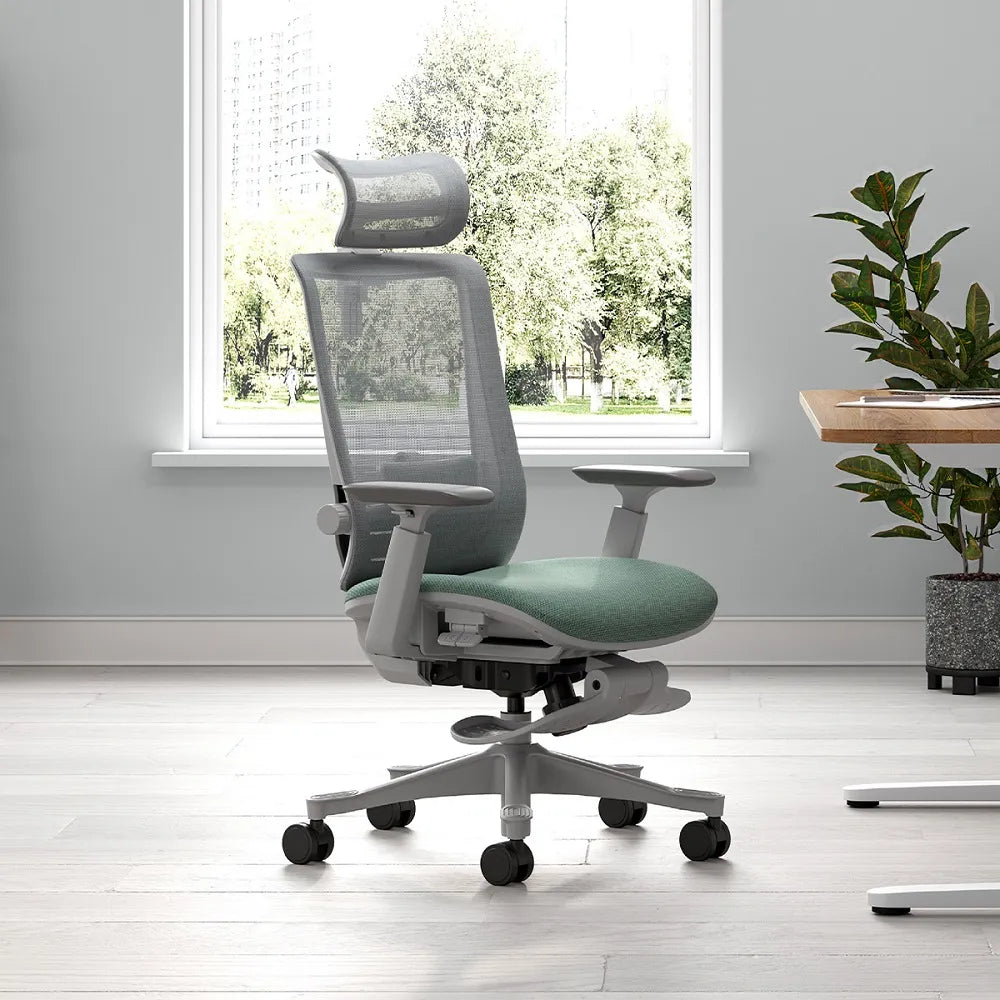
1. The Adaptive Lumbar Ergonomic Chair – Best Overall for Back Pain
The top-performing chair for serious back pain relief is one that handles every user profile, from petite employees to taller, heavier workers. The Adaptive Lumbar Ergonomic Chair leads the category because its lumbar support automatically shifts with your posture, making it feel natural instead of forced.
Why This Chair Dominates Back Pain Relief
Most “ergonomic chairs” use a fixed lumbar curve that only works for one body type. This model uses a responsive lumbar mechanism—automatically adjusting inward or outward based on the user’s movement. It provides even support whether you're typing upright, reclining at 120°, or leaning slightly forward.
Key Features
- Dynamic lumbar support system
- Synchro-tilt mechanism with 3 or 4 locking positions
- Seat depth adjustment (critical for taller users)
- Breathable mesh that follows spinal movement
- Class-4 gas lift for dependable height control
- High-density molded foam or hybrid seat
How It Solves Back Pain (Scientifically)
The lumbar system helps maintain the natural S-curve of the spine, which reduces disc compression, one of the primary causes of chronic lower-back pain. As you move, the lumbar tension reacts instantly—meaning no slumping, no flattening, and no awkward “gap” between your lower back and the chair.
2. High-Back Mesh Chair With 4D Lumbar – Best for Long Shifts
For employees who sit 8–12 hours daily—IT support, customer service centers, logistics teams—a chair with advanced back support is essential. This high-back mesh chair is specifically engineered to reduce spinal fatigue during extended shifts.
Why It Works So Well
The 4D lumbar system includes height, depth, flex, and pivot adjustments, allowing each worker to fine-tune the support for their spinal curve. The back frame moves with your ribcage, so you don’t feel “locked in.”
Key Features
- 4D adjustable lumbar
- Adaptive mesh for airflow and pressure balance
- Seat sliding mechanism
- Recline range up to 130°
- 4D armrests
- Wide shoulder support
How It Solves Back Pain
Mesh backrests reduce heat buildup, which often leads to muscle tension. The flexible lumbar panels strengthen the lower-back position while preventing spinal collapse—a common issue during long work shifts.
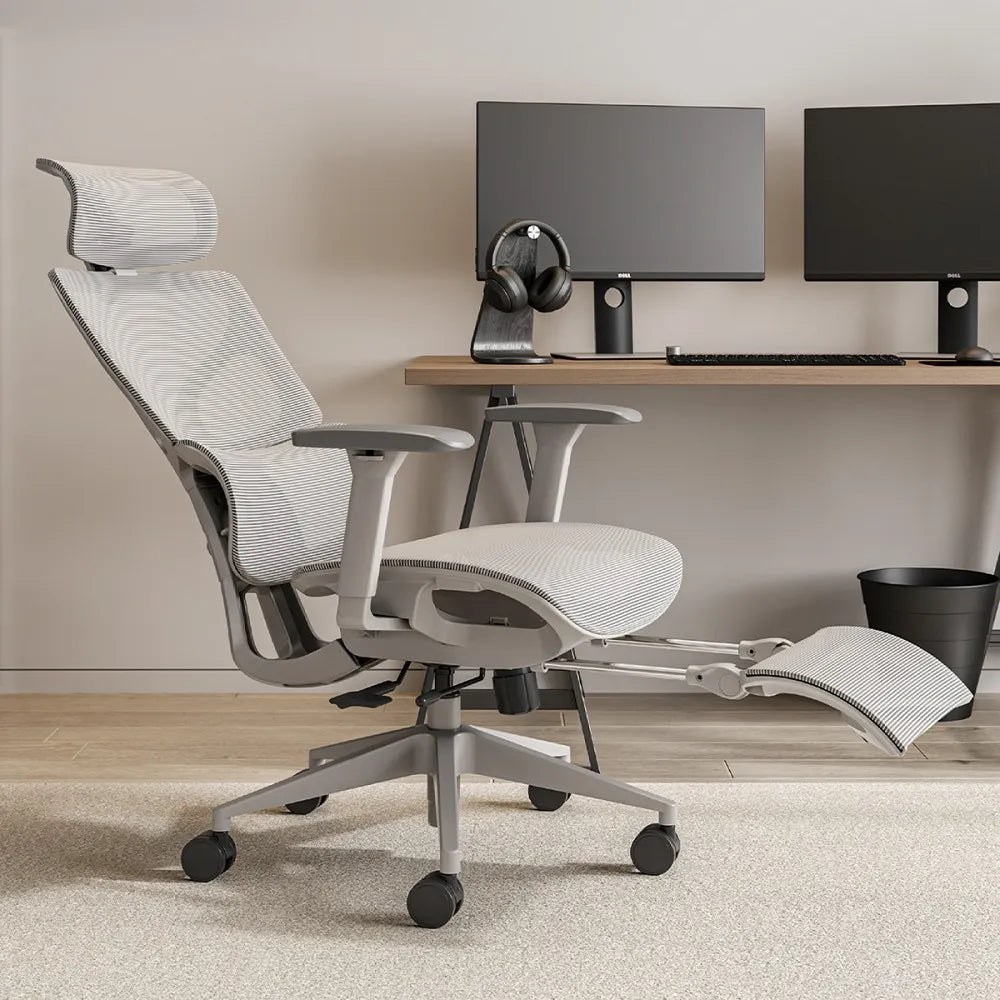
3. Executive Recline Chair – Best for Relaxed Back Support
Executives spend long hours reviewing documents, attending virtual meetings, and making decisions that require sustained focus. The Executive Recline Chair is designed to promote comfort during these intense, often static sessions.
Why Executives Prefer It
A wide, supportive headrest and a deep recline angle encourage spinal decompression. With luxurious padding or mesh hybrid designs, the chair blends professional aesthetics with medical-grade ergonomic features.
Key Features
- 125°–135° recline
- Adjustable headrest
- Reinforced aluminum chassis
- 4D armrests or padded executive armrests
- Premium mesh or high-density foam seat
How It Solves Back Pain
Deep recline shifts pressure away from the lumbar discs. When combined with a tension-adjustable tilt mechanism, the chair allows micro-movements that keep the spine active rather than compressed.
4. S-Curve Backrest Chair – Best Budget Pick for Back Pain Relief
Not every office requires a high-end ergonomic solution. For schools, shared workspaces, or small businesses looking for affordability without sacrificing comfort,
Key Features
- Contoured S-shape backrest
- Adjustable lumbar pad
- Basic recline function
- Breathable mesh
- Fixed or adjustable armrests
How It Solves Back Pain
Even though it’s budget-friendly, the chair encourages proper spinal alignment through the naturally contoured backrest. It prevents users from slouching and helps maintain upright posture for hours.
5. Medical-Grade Ergonomic Chair – Best for Healthcare Settings
Healthcare environments require durable, cleanable, and supportive seating. This chair delivers clinical-grade ergonomic performance with materials that handle long-term use and strict sanitation routines.
Key Features
- Antimicrobial mesh or vinyl
- Wide lumbar support panel
- Posture-correction backrest
- Easy-clean surfaces
- Heavy-duty base and wheels
How It Solves Back Pain
Healthcare professionals frequently transition between sitting, standing, and leaning. This chair’s flexible spine and lumbar panel adapt to their constant motion, keeping posture neutral and reducing strain.
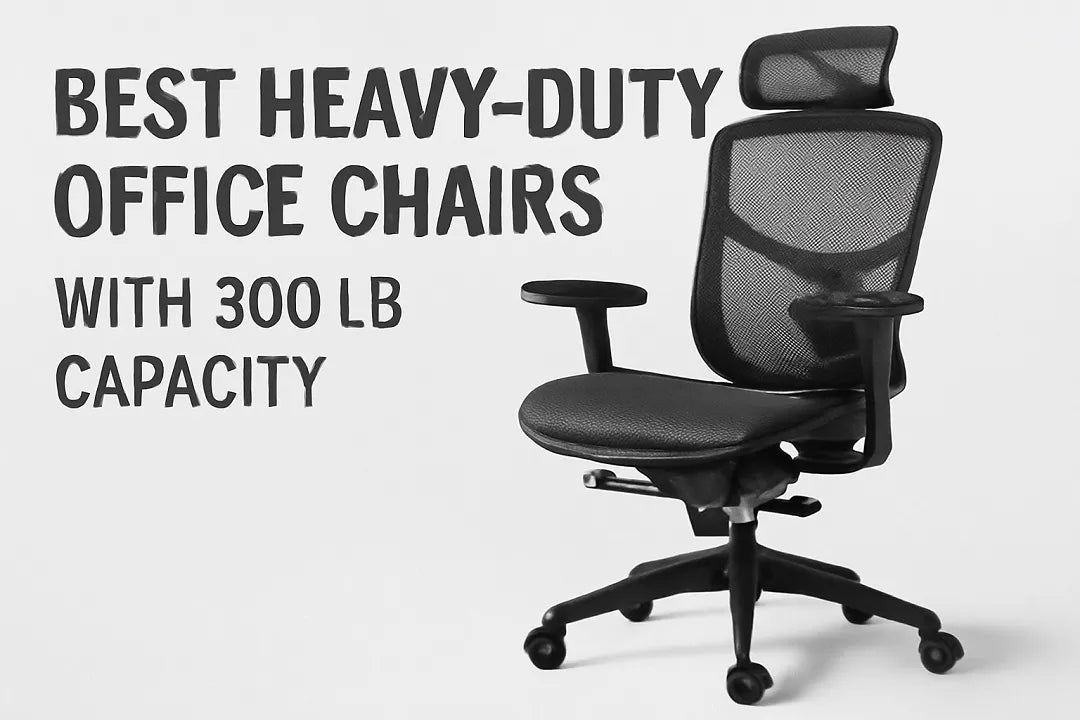
6. Heavy-Duty 150–200 kg Chair – Best for High Weight Capacity
Many back problems occur because chairs aren’t rated for the user’s weight. This heavy-duty model features reinforced steel and high-tensile components to support larger individuals without sagging or deforming.
Key Features
- 150–200 kg load ca
- Thickened steel base
- Reinforced mesh or foam
- Class-4 or Class-5 gas lift
- Wide seat cushion
Why It Solves Back Pain
A stronger base and stabilizing frame prevent the backrest and lumbar from collapsing under pressure—a common issue that leads to chronic lumbar pain.
7. Synchro-Tilt Mechanism Chair – Best for Active Sitting
Active sitting is one of the most effective ways to prevent back pain. A synchro-tilt mechanism keeps the body moving while maintaining lumbar contact.
Key Features
- Seat-back synchronized movement
- Tilt tension control
- Multiple reclining lock positions
- Flexible back frame
Why It Solves Back Pain
When the seat and back move together at a set ratio, the hips open naturally, reducing pressure on the spine and improving circulation.
8. Split Lumbar Chair – Best for Lower Spine Correction
Split lumbar chairs offer targeted lower-back support with two adjustable pads, helping users with chronic lumbar stiffness or disc issues.
Key Features
- Dual lumbar pads
- Independent mobility
- Adaptive waist support
- Flexible backrest
Why It Solves Back Pain
Each side of the lumbar system responds independently, which helps stabilize the spine even during rotation or shifting—common movements during typing or multitasking.
9. 3D/4D Armrest Ergonomic Chair – Best for Shoulder & Upper Back Pain
Arm support is often overlooked in ergonomic evaluations. Poor arm positioning leads to neck strain, which radiates to the upper back.
Key Features
- 3D or 4D armrest adjustability
- Soft PU or mesh arm pads
- Side-to-side rotation
- Height and depth adjustments
Why It Helps Back Pain
Armrests take pressure off the shoulders, allowing the upper spine and trapezius muscles to relax. This improves posture and reduces upper-back fatigue.
10. Cooling Mesh Chair – Best for Hot Climates
Heat contributes to muscle tension and discomfort. The cooling mesh office chair is engineered to maintain airflow and reduce sweating, especially in tropical or high-volume environments.
Key Features
- Full mesh body
- Ventilated back zones
- Temperature-neutral frame
- Flexible spine design
Why It Solves Back Pain
Cooler muscles are more relaxed. When the body doesn’t overheat, posture naturally improves, reducing strain on the lumbar spine.
11. Hybrid Foam+Mesh Chair – Best for Pressure Relief
This design balances comfort and ergonomic support with a molded foam seat and a breathable mesh backrest.
Key Features
- Pressure-distribution foam seat
- Supportive mesh back
- Flexible seat edges
- Smooth recline
Why It Solves Back Pain
Pressure on the tailbone and hips contributes to lumbar fatigue. The foam distributes weight evenly, reducing hot spots and stiffness.
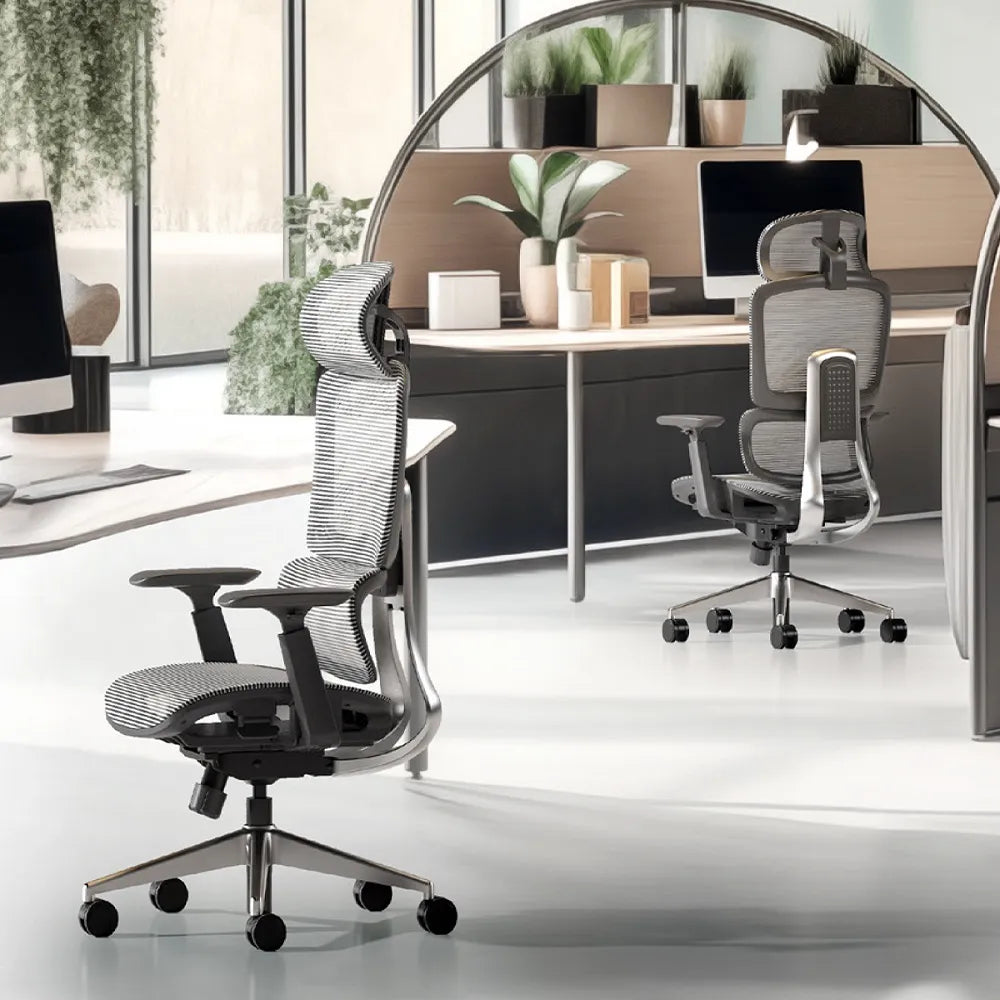
12. Multi-Adjustable Headrest Chair – Best for Neck & Upper Spine Pain
Neck tension is often the precursor to full-back discomfort. This chair prioritizes cervical alignment.
Key Features
- Height-adjustable headrest
- Angle rotation up to 45°
- Curved ergonomic support
- Flexible frame
Why It Solves Back Pain
Proper head positioning reduces strain on the upper spine. The adjustable headrest keeps the cervical vertebrae aligned with the rest of the spine.
13. Premium Aluminum-Frame Ergonomic Chair – Best for Durability + Back Support
For long-term bulk procurement, durability matters as much as comfort. This premium model uses an aerospace-grade aluminum frame for structural stability.
Key Features
- Aluminum alloy frame
- Reinforced back support
- Durable mesh or foam
- High load-bearing capability
Why It Solves Back Pain
A rigid frame prevents twisting and maintains consistent lumbar alignment, especially in high-traffic offices.
Final Thoughts
The 13 chairs highlighted in this guide weren’t selected because they’re trendy. They were chosen because they deliver real back-pain relief across different work environments—corporate offices, government departments, healthcare facilities, creative studios, retail floors, and remote setups. Each chair approaches ergonomic support from a different angle, whether through dynamic lumbar systems, deep recline, cooling mesh structures, or heavy-duty frames designed for all body types.
At the end of the day, a chair isn’t just a piece of furniture.
It’s a tool that influences comfort, concentration, and the overall health of every person who uses it.
For decision-makers—whether you’re a wholesaler, retailer, procurement manager, designer, or workspace contractor—choosing a chair that truly solves back pain is more than a purchase. It’s a long-term investment in productivity, well-being, and the professionalism of the environments you build.
When businesses choose seating that supports the body correctly, employees work better, feel better, and stay healthier for longer. That’s the real value of a well-designed ergonomic chair—and why selecting the right model matters far more than choosing based on price or appearance alone.
If your next project needs reliable, back-pain-relief seating solutions, start with chairs that are engineered for the way people actually sit, move, and work. The difference is felt every single day.
Read more: 13 Expert Tips for Creating an Ideal Modern Office Space
FAQs
1: What type of office chair is best for chronic back pain?
For chronic back pain, the best office chair is one with dynamic lumbar support, adjustable seat depth, and a synchronized recline mechanism. Chairs that adapt to movement help maintain the spine’s natural S-curve, reducing long-term pressure on the lower back. This is especially important for office workers who sit for extended hours in corporate or remote work environments.
2: Are ergonomic office chairs really worth the investment for businesses?
Yes. Multiple workplace studies show that ergonomic office chairs reduce back pain, fatigue, and absenteeism while improving productivity and employee satisfaction. For businesses and bulk buyers, investing in properly designed seating often lowers long-term healthcare costs and replacement frequency, making ergonomic chairs a cost-effective solution over time.
3: How long should an office chair last with daily professional use?
A high-quality ergonomic office chair used in a professional setting should last 7–10 years when built with certified components such as a Class-4 gas lift, reinforced base, and durable mesh or foam. Chairs designed for commercial or enterprise use typically outperform consumer-grade seating in both comfort retention and structural stability.
4: Can the wrong office chair actually cause back pain?
Absolutely. Chairs with poor lumbar support, incorrect seat height, or limited adjustability often force unnatural sitting postures. Over time, this leads to muscle imbalance, spinal compression, and chronic discomfort. Choosing a chair that supports proper posture is one of the most effective ways to prevent work-related back pain.
5: What should corporate buyers look for when sourcing office chairs in bulk?
Corporate and wholesale buyers should focus on ergonomic performance, durability certifications, adjustability range, and long-term supply consistency. Chairs designed for commercial use should meet international safety standards and support different body types, ensuring comfort and reliability across diverse teams and work environments.
Further reading
Andersson, G. B. J. (1999). Epidemiological features of chronic low-back pain.
The Lancet, 354(9178), 581–585.
https://www.thelancet.com/journals/lancet/article/PIIS0140-6736(99)01312-4/fulltext
National Institute for Occupational Safety and Health. (2012). Ergonomic guidelines for manual material handling and seated work.
Centers for Disease Control and Prevention (CDC).
https://www.cdc.gov/niosh/topics/ergonomics/
Occupational Safety and Health Administration. (n.d.). Computer workstation ergonomics.
U.S. Department of Labor.
https://www.osha.gov/etools/computer-workstations
Mayo Clinic Staff. (2023). Back pain: Causes, diagnosis, and treatment.
Mayo Clinic.
https://www.mayoclinic.org/diseases-conditions/back-pain/symptoms-causes/syc-20369906
American Academy of Orthopaedic Surgeons. (2022). Low back pain.
AAOS.
https://orthoinfo.aaos.org/en/diseases--conditions/low-back-pain/
European Agency for Safety and Health at Work. (2021). Work-related musculoskeletal disorders (MSDs).
EU-OSHA.
https://osha.europa.eu/en/themes/musculoskeletal-disorders


Leave a comment
All comments are moderated before being published.
This site is protected by hCaptcha and the hCaptcha Privacy Policy and Terms of Service apply.